Laptop Custom UV DTF Transfers
Laptop Custom UV DTF Transfers for Durable Device Customization
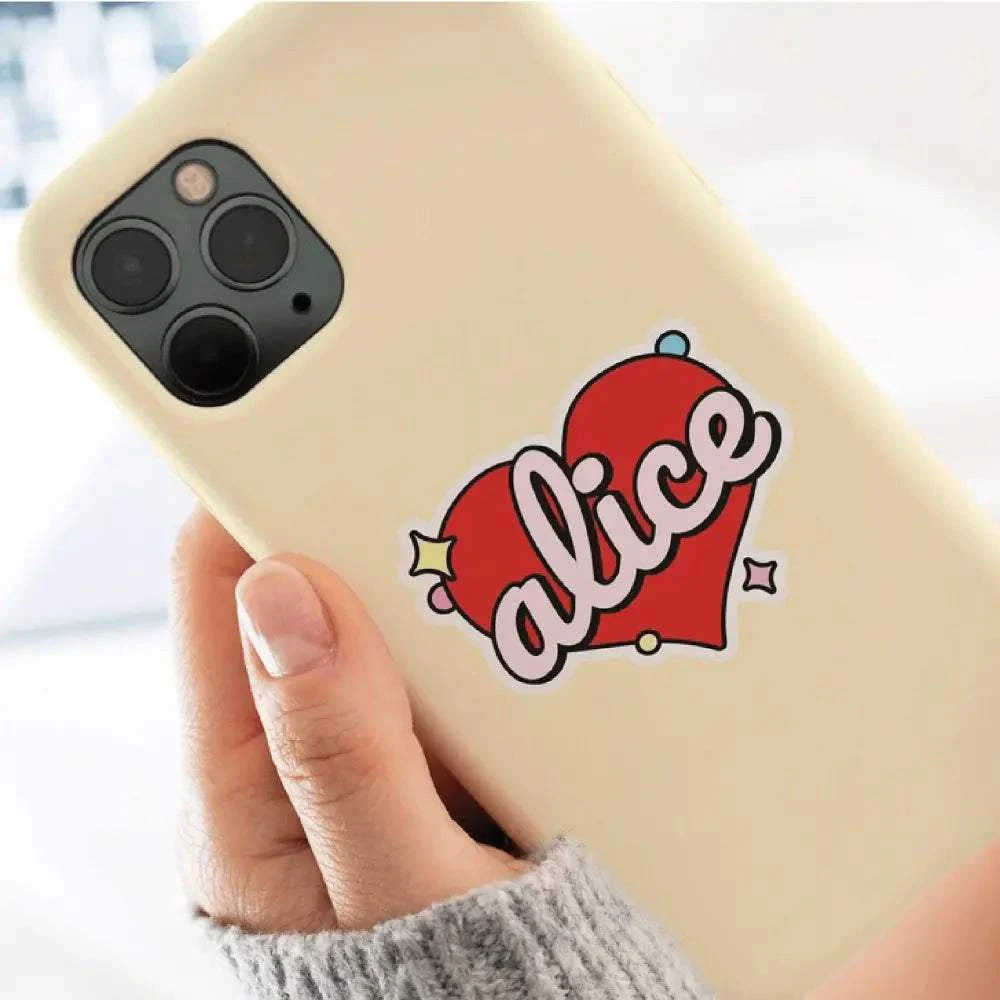
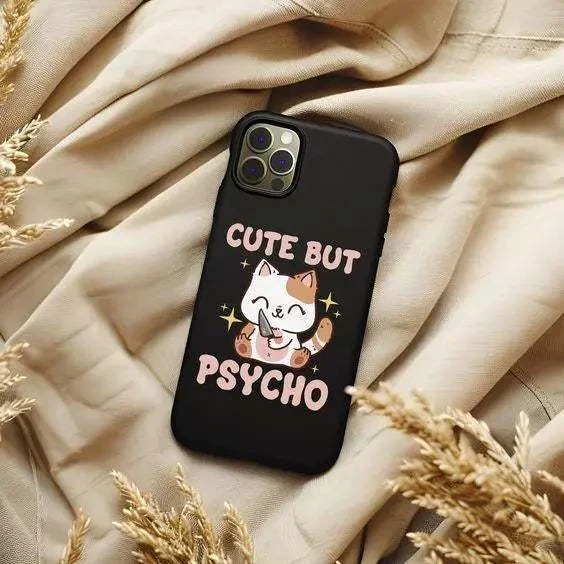
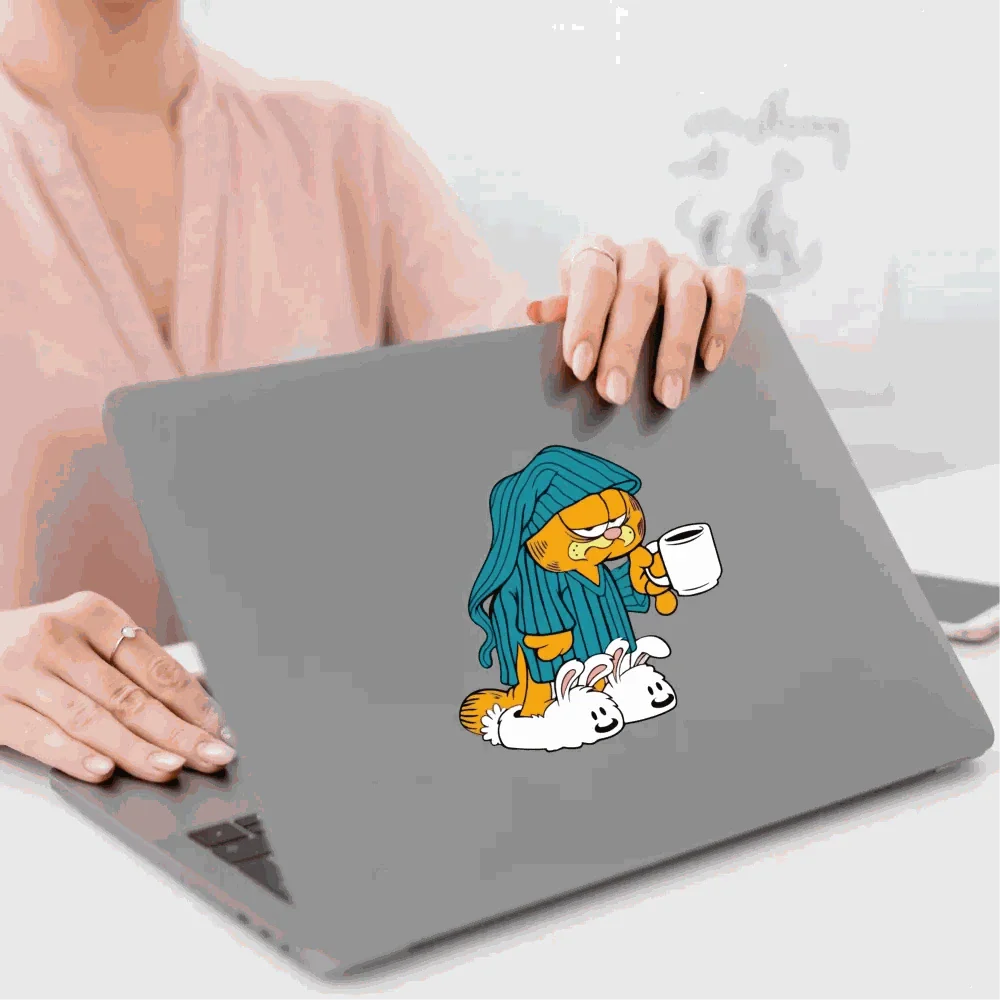
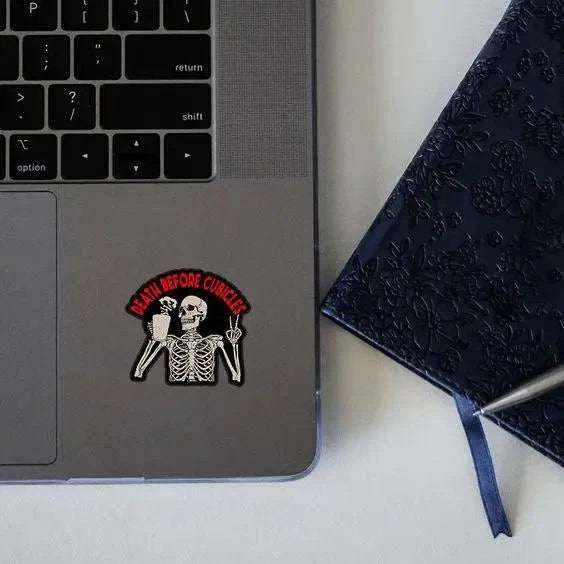
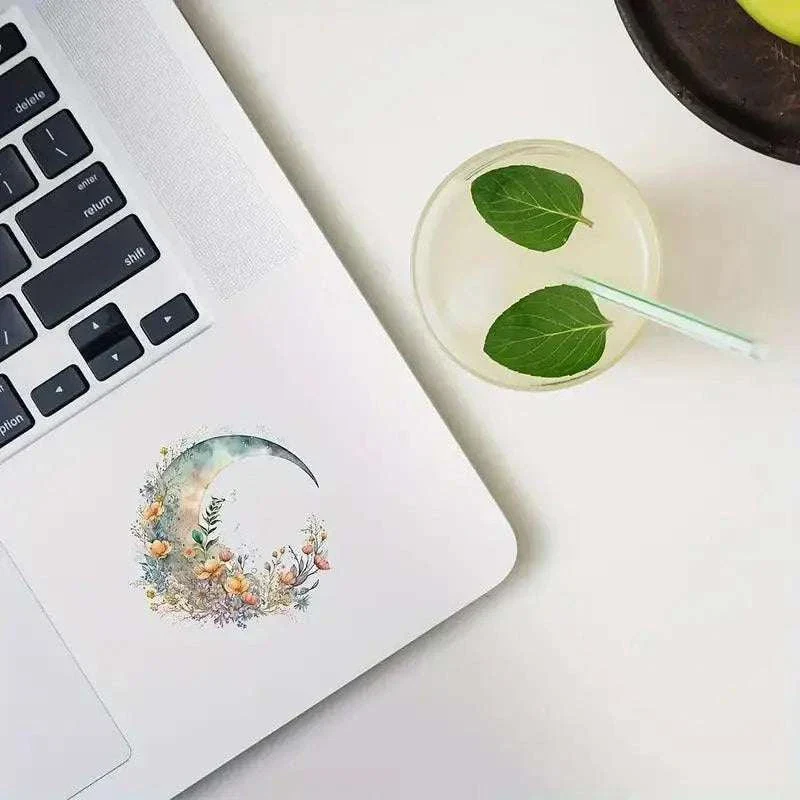
Our Laptop Custom UV DTF Transfers are premium waterproof decals designed specifically for laptops, MacBooks, PCs, and other smooth hard surfaces. These transfers use advanced UV printing technology to produce vibrant colors, sharp detail, and long-lasting adhesion without peeling or fading.
Unlike traditional stickers, Laptop Custom UV DTF Transfers are scratch-resistant, waterproof, and highly durable. They apply easily without heat, making them perfect for device branding, personal artwork, business logos, and promotional customization.
Whether you're customizing a single device or ordering in bulk, our Laptop Custom UV DTF Transfers provide a professional finish that stands out. They adhere securely to metal, plastic, and coated laptop surfaces while maintaining strong color vibrancy over time.
These transfers are ideal for:
• Business logo branding
• Corporate laptop customization
• Personalized device decals
• Promotional merchandise
• School or organization branding
Every Laptop Custom UV DTF Transfer is printed with precision and inspected for quality before shipping. If you want high-impact, waterproof device customization, our Laptop Custom UV DTF Transfers deliver durability and premium visual results.
Laptop Custom UV DTF Transfers APPLICATION INSTRUCTIONS:
1-Clean the Surface:
Ensure the material surface is clean.
2-Transfer Placement:
Peel the design transfer from its backing.
Carefully place the transfer onto the material, making sure the design is positioned correctly.
Note: The transfer cannot be removed once applied to the material.
3-Smooth Application:
Apply the print down starting from the center and working outwards, smoothing out any bubbles as you go.
Ensure the entire design adheres to the material surface.
4- Rubbing Technique:
Use your fingers to rub all over the design vigorously.
The more rubbing, the better the adhesion.
5- Final Touch:
Peel off the transparent film from the design.
Your UV DTF print is now successfully applied!
That is it!
Original: $1.58
-65%$1.58
$0.55More Images

Laptop Custom UV DTF Transfers
Laptop Custom UV DTF Transfers for Durable Device Customization
Our Laptop Custom UV DTF Transfers are premium waterproof decals designed specifically for laptops, MacBooks, PCs, and other smooth hard surfaces. These transfers use advanced UV printing technology to produce vibrant colors, sharp detail, and long-lasting adhesion without peeling or fading.
Unlike traditional stickers, Laptop Custom UV DTF Transfers are scratch-resistant, waterproof, and highly durable. They apply easily without heat, making them perfect for device branding, personal artwork, business logos, and promotional customization.
Whether you're customizing a single device or ordering in bulk, our Laptop Custom UV DTF Transfers provide a professional finish that stands out. They adhere securely to metal, plastic, and coated laptop surfaces while maintaining strong color vibrancy over time.
These transfers are ideal for:
• Business logo branding
• Corporate laptop customization
• Personalized device decals
• Promotional merchandise
• School or organization branding
Every Laptop Custom UV DTF Transfer is printed with precision and inspected for quality before shipping. If you want high-impact, waterproof device customization, our Laptop Custom UV DTF Transfers deliver durability and premium visual results.
Laptop Custom UV DTF Transfers APPLICATION INSTRUCTIONS:
1-Clean the Surface:
Ensure the material surface is clean.
2-Transfer Placement:
Peel the design transfer from its backing.
Carefully place the transfer onto the material, making sure the design is positioned correctly.
Note: The transfer cannot be removed once applied to the material.
3-Smooth Application:
Apply the print down starting from the center and working outwards, smoothing out any bubbles as you go.
Ensure the entire design adheres to the material surface.
4- Rubbing Technique:
Use your fingers to rub all over the design vigorously.
The more rubbing, the better the adhesion.
5- Final Touch:
Peel off the transparent film from the design.
Your UV DTF print is now successfully applied!
That is it!
Product Information
Product Information
Shipping & Returns
Shipping & Returns
Description
Laptop Custom UV DTF Transfers for Durable Device Customization
Our Laptop Custom UV DTF Transfers are premium waterproof decals designed specifically for laptops, MacBooks, PCs, and other smooth hard surfaces. These transfers use advanced UV printing technology to produce vibrant colors, sharp detail, and long-lasting adhesion without peeling or fading.
Unlike traditional stickers, Laptop Custom UV DTF Transfers are scratch-resistant, waterproof, and highly durable. They apply easily without heat, making them perfect for device branding, personal artwork, business logos, and promotional customization.
Whether you're customizing a single device or ordering in bulk, our Laptop Custom UV DTF Transfers provide a professional finish that stands out. They adhere securely to metal, plastic, and coated laptop surfaces while maintaining strong color vibrancy over time.
These transfers are ideal for:
• Business logo branding
• Corporate laptop customization
• Personalized device decals
• Promotional merchandise
• School or organization branding
Every Laptop Custom UV DTF Transfer is printed with precision and inspected for quality before shipping. If you want high-impact, waterproof device customization, our Laptop Custom UV DTF Transfers deliver durability and premium visual results.
Laptop Custom UV DTF Transfers APPLICATION INSTRUCTIONS:
1-Clean the Surface:
Ensure the material surface is clean.
2-Transfer Placement:
Peel the design transfer from its backing.
Carefully place the transfer onto the material, making sure the design is positioned correctly.
Note: The transfer cannot be removed once applied to the material.
3-Smooth Application:
Apply the print down starting from the center and working outwards, smoothing out any bubbles as you go.
Ensure the entire design adheres to the material surface.
4- Rubbing Technique:
Use your fingers to rub all over the design vigorously.
The more rubbing, the better the adhesion.
5- Final Touch:
Peel off the transparent film from the design.
Your UV DTF print is now successfully applied!
That is it!